

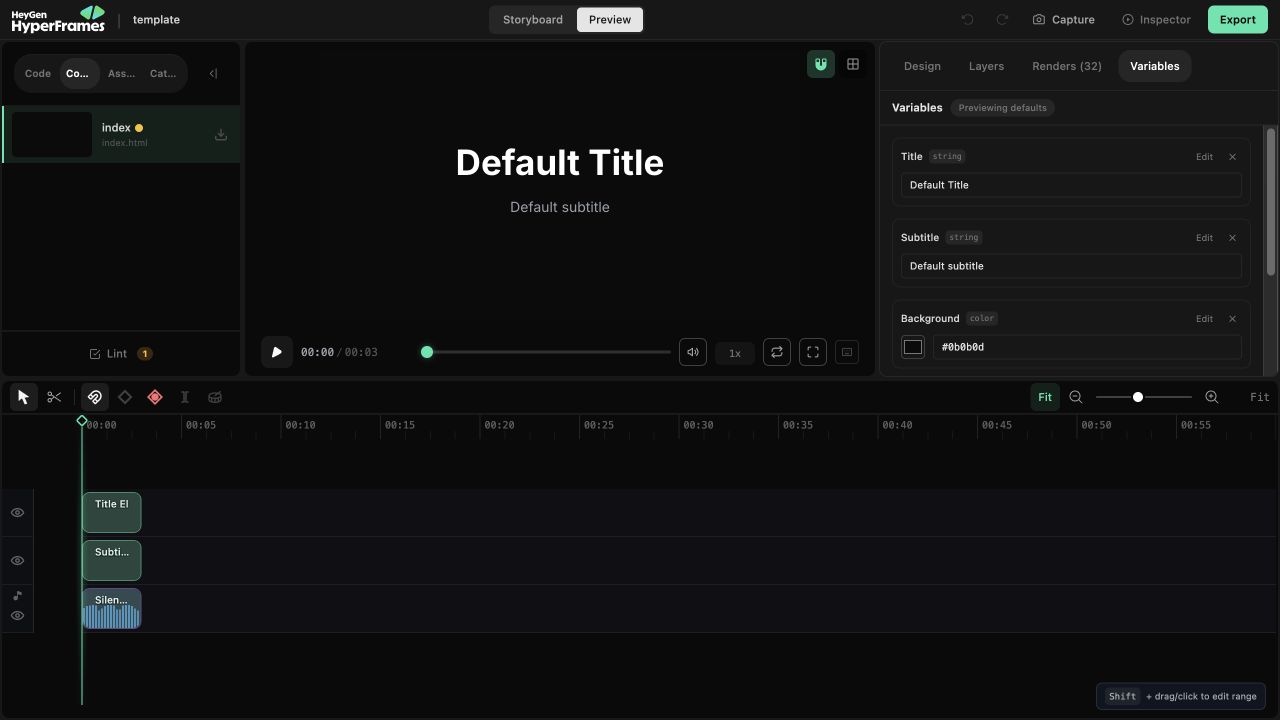
The current Variables panel previews values beside the real composition.
Create one reusable input
The quickest path starts from the canvas:- Select the element.
- Open Variables in the right panel.
- Bind the text, media source, text color, background, or font property.
- Create a new variable or choose a compatible existing one.
customerName, headline, or brandColor—rather than by its position in the design.
Preview without changing the template
Change a value in the Variables panel to preview that version immediately. The preview is an override: it does not replace the saved default. The panel tells you whether you are previewing defaults or custom values. Use Reset to clear all preview overrides. When a scalar preview should become the new default, use Set default.Variables from other compositions are listed separately. You can edit their declarations, but
their values are not live-previewed in the active composition.
Hand the project off
At the bottom of the panel, Use this template can copy either:- the effective values as JSON;
- a ready-to-run
npx hyperframes render ... --variables ...command.
Test the fallback
A useful template survives realistic variation. Before handing it off, test:- long and short names or headlines;
- image aspect ratios;
- color contrast;
- number formatting;
- missing optional values.