

Choose the smallest safe surface
The choice is about the change, not a permanent workflow. You can move between
the surfaces without exporting or converting the project.
Make a focused source edit
- Open Code in the left sidebar.
- Select the exact file in the project tree.
- Find the value responsible for the visible result.
- Make one focused change.
- Wait for the preview to refresh, then play the affected moment.
Ask about the selected element
When a visible element needs source work, select it and choose Ask agent about this element. Studio prepares the element and project context, combines it with your instruction, and copies the prompt to the clipboard. Paste that prompt into your agent chat.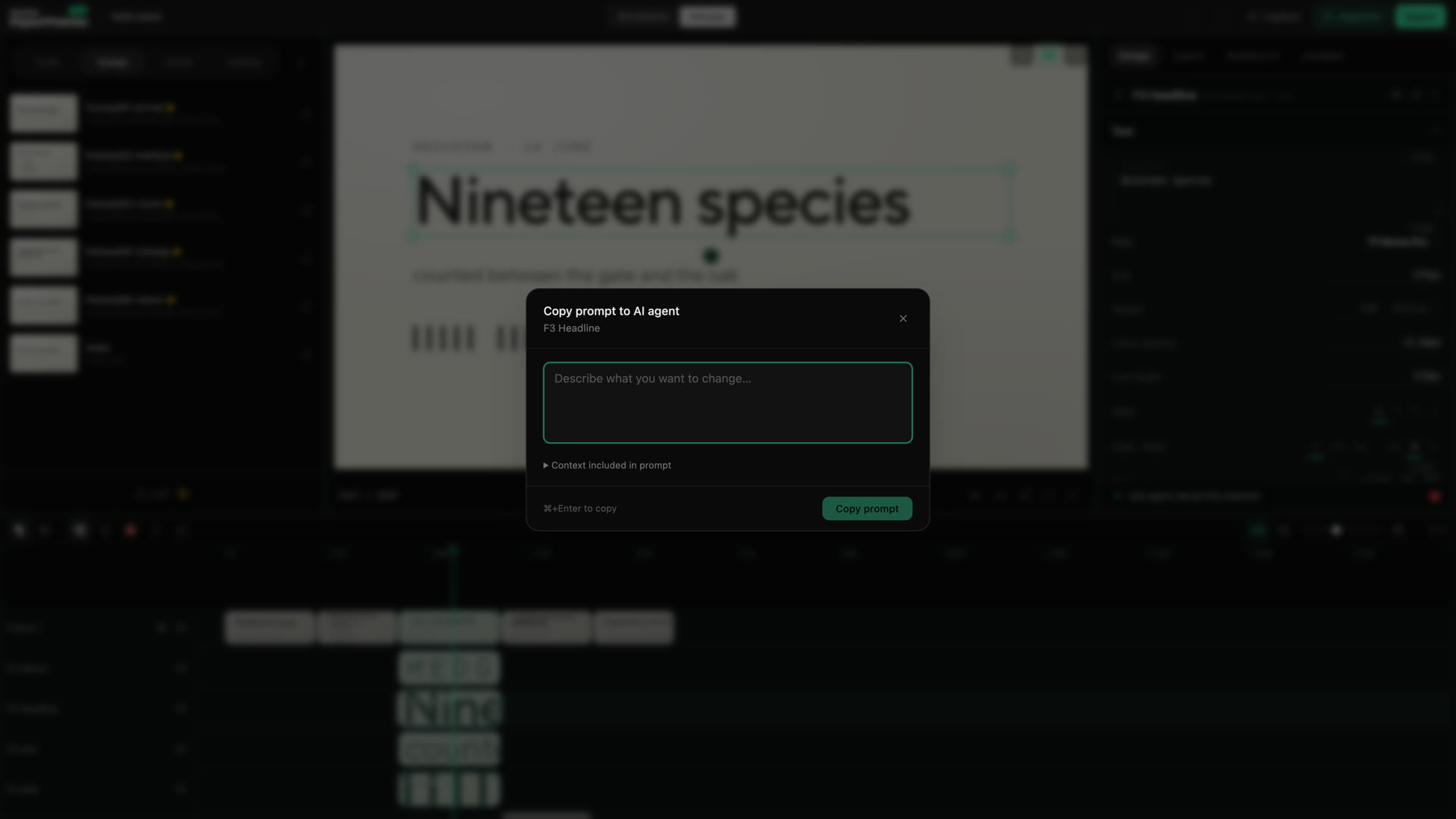
Studio prepares a prompt for the selected element; you paste it into your agent chat.
Run Studio Lint
Choose Lint at the bottom of the left sidebar. Studio opens HyperFrame Lint Results with errors, warnings, file locations, and fix hints when they are available. Fix a simple, understood issue directly, then run Lint again. Use Copy to Agent when the source location is unfamiliar or the fix may affect other files. Add what happened before the error and what you expected:Use the project-level gates before delivery
Studio Lint is a quick in-editor pass. The project-level commands remain the final gate, especially when the project contains nested compositions:lint checks the composition structure. check adds browser, runtime, layout,
motion, and WCAG contrast verification.
Passing checks do not approve the story or the final encode. Play the project
after a source fix, then watch the rendered file before sharing it.
When the preview and source disagree
- Stop editing until the latest save finishes.
- Keep the first exact error or save warning.
- Reload the project only after checking whether another tool changed the file.
- Run the project checks.
- Ask the agent with the error, project path, action that caused it, and result you expected.