

Ask for a look
Say what it should feel like; you don’t need the effect names:The effects
- Essentials: Blur, Pixelate, Bloom. Hide something, pull focus, make highlights glow.
- Retro and glitch: Tape Damage, Film Artifacts, Scanlines, CRT Curvature, Channel Separation, Digital Glitch, Chroma Softening. Old tape, old film, old monitors, broken signals, with real tracking wobble and color bleed.
- Print: Halftone, Two-Ink Print, Ordered Dither, Mono Screen.
- Art: ASCII (eight styles), Engraving, Crosshatch, Kuwahara Paint.
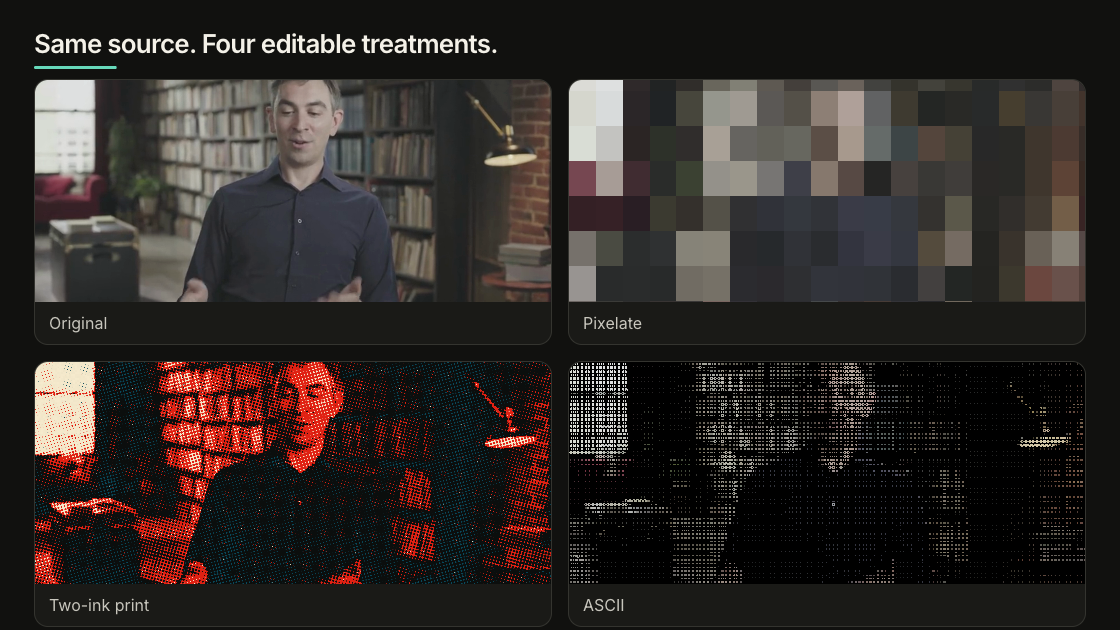
One source, four finishes: original, pixelated, two-ink print, and ASCII.
Fix and grade the color
Correct first (exposure, white balance, contrast, saturation), then style. No look rescues blown highlights or the wrong shot.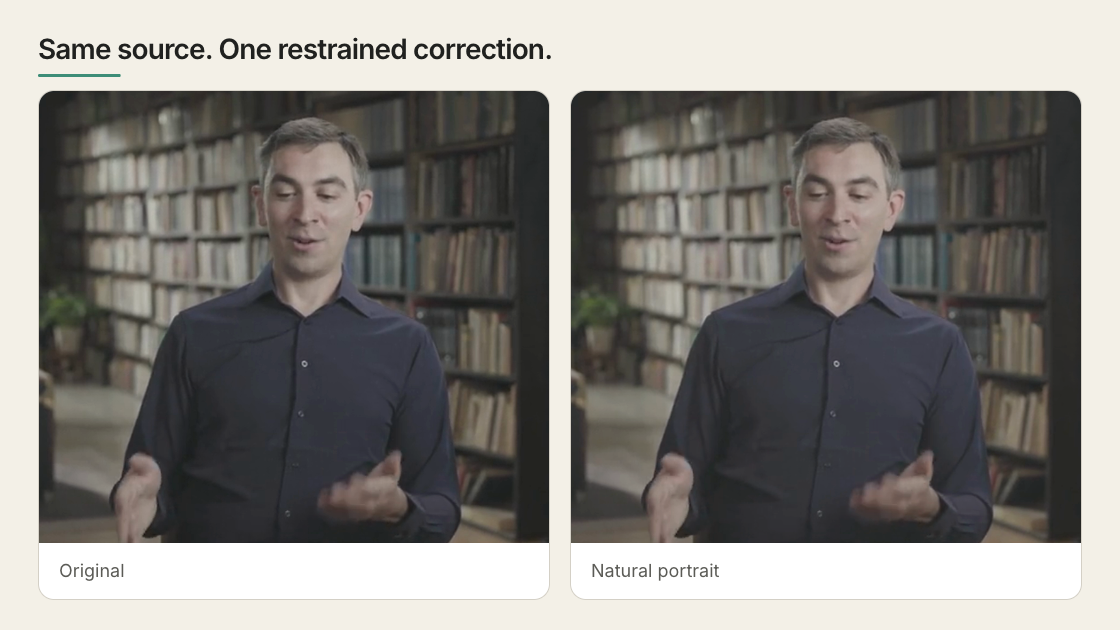
The same source before and after a restrained natural-portrait grade.
Adjust it by hand
In the browser editor, select an image or video and open Effects or Grade in the Inspector. Grade starts with thirteen presets, each previewed on your own frame, and a Strength slider. Hold the compare button to flash back to the original, and scrub a few places in moving footage: a grade that flatters one frame can ruin the next.
The scopes measure the picture so you aren’t judging by your screen: the histogram shows lost detail at either
end, the waveform shows where across the frame, the RGB parade names a color cast, and the vectorscope
puts skin tones on one known line.
Copy grade to reuses a grade on other clips, as a starting point; the same numbers rarely suit two shots.
LUTs
A LUT (a.cube file, up to 64 points per side) maps every color to another, blended in at the strength you set.
Use creative Rec.709 LUTs. HyperFrames doesn’t convert camera LOG footage first, so a LOG clip needs its camera’s own
transform or comes out wrong.
Limits
- An effect or grade covers the whole layer. It doesn’t follow a face or an object: to treat part of the frame, put that part on its own layer.
- It applies to images, video and canvas, not to text or HTML.
- Standard video only. HDR sources preview in SDR and the effects don’t carry into true HDR.
- Blur, Bloom and Kuwahara Paint are slow; several stacked on big layers slow preview and render.
- Keep media inside the project. A file on another server needs the right CORS headers and can vanish before render.
For agents and code: the commands and the stored format
For agents and code: the commands and the stored format
List what exists, measure a source, then apply. Compare several looks on one frame (up to sixteen, the original first):Phone photos keep their displayed orientation and aspect ratio in the sheet; the source image stays unchanged.Everything lands in The full format is in the HTML schema and the
color grading reference.
--dry-run shows the change, --clear removes it.data-color-grading, in named sections: adjust for corrections, details for grain and
vignette, effects for treatments. A flat object such as {"exposure":0.15} renders nothing, and
npx hyperframes lint says which section it belongs in.